3D Inventory
Explore the 3D Inventory project, a sandbox for building a spatial IT inventory platform to visualize datacenters and test database systems.
3D inventory software
Project Overview and Purpose
The 3D Inventory Angular UI is a comprehensive frontend application designed to create spatial and database representations of warehouses and datacenters. This project serves as a practical sandbox for exploring database systems while building an efficient platform for graphical IT inventory management. The application leverages modern web technologies to provide interactive 3D visualization combined with robust data management capabilities.
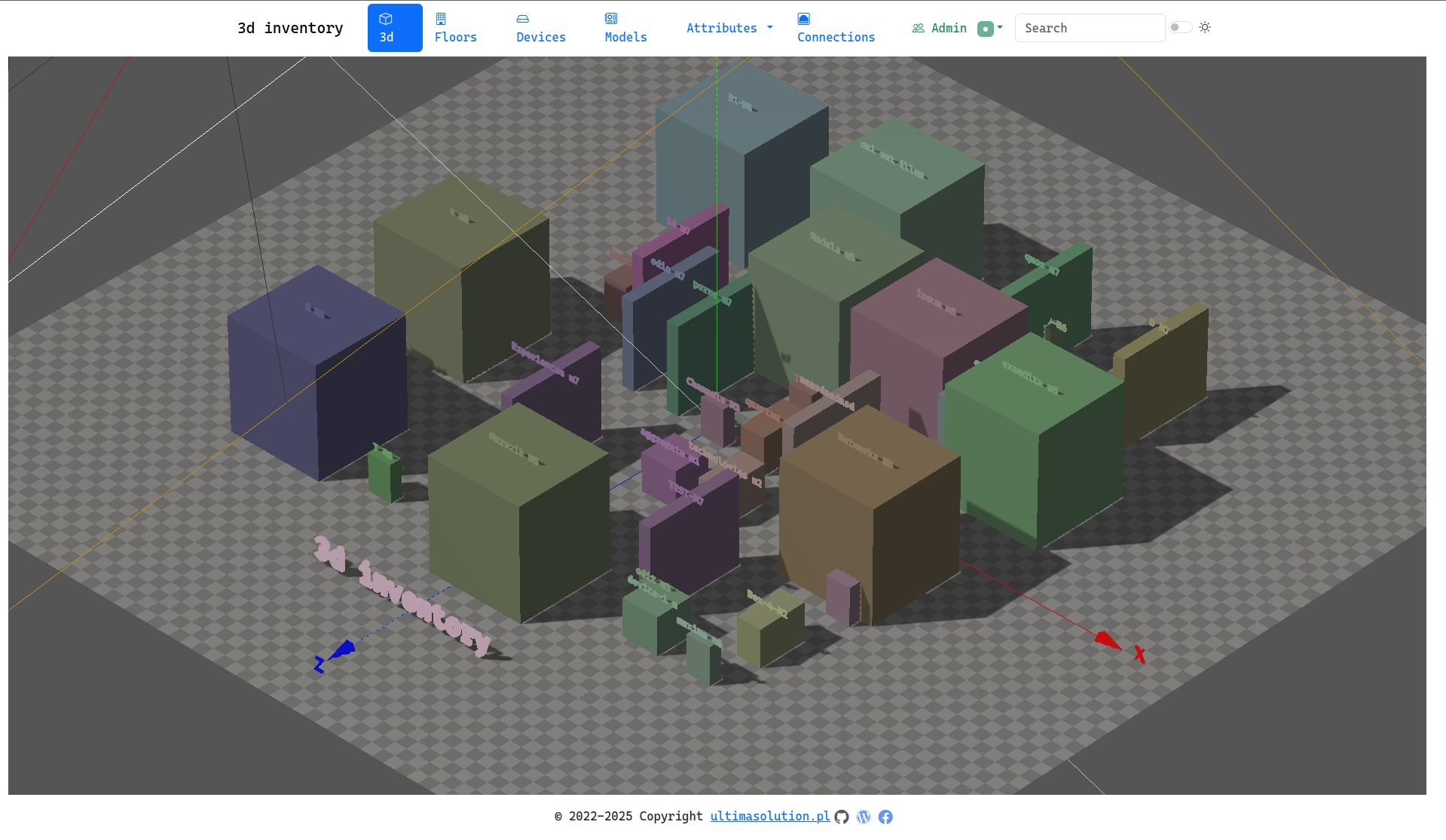
Demo
Data Model Philosophy
The data model employs a unique parametric, generic attribute class approach. Rather than rigid table structures, all attributes for Devices, Models, and Connections are stored flexibly in this model. The system uses an Attribute Dictionary to define parameter types, which then govern how values are stored and validated. This design provides significant flexibility while maintaining data integrity.
Technology stack
The application is built on Angular 20.3+ using the modern standalone component architecture, which eliminates the need for traditional NgModules and simplifies the application structure. For the user interface, it employs Bootstrap 5.3+ to ensure responsive design across different devices. The standout feature is the integration of three.js 163+, an advanced 3D graphics library that powers the interactive spatial visualization of inventory items.
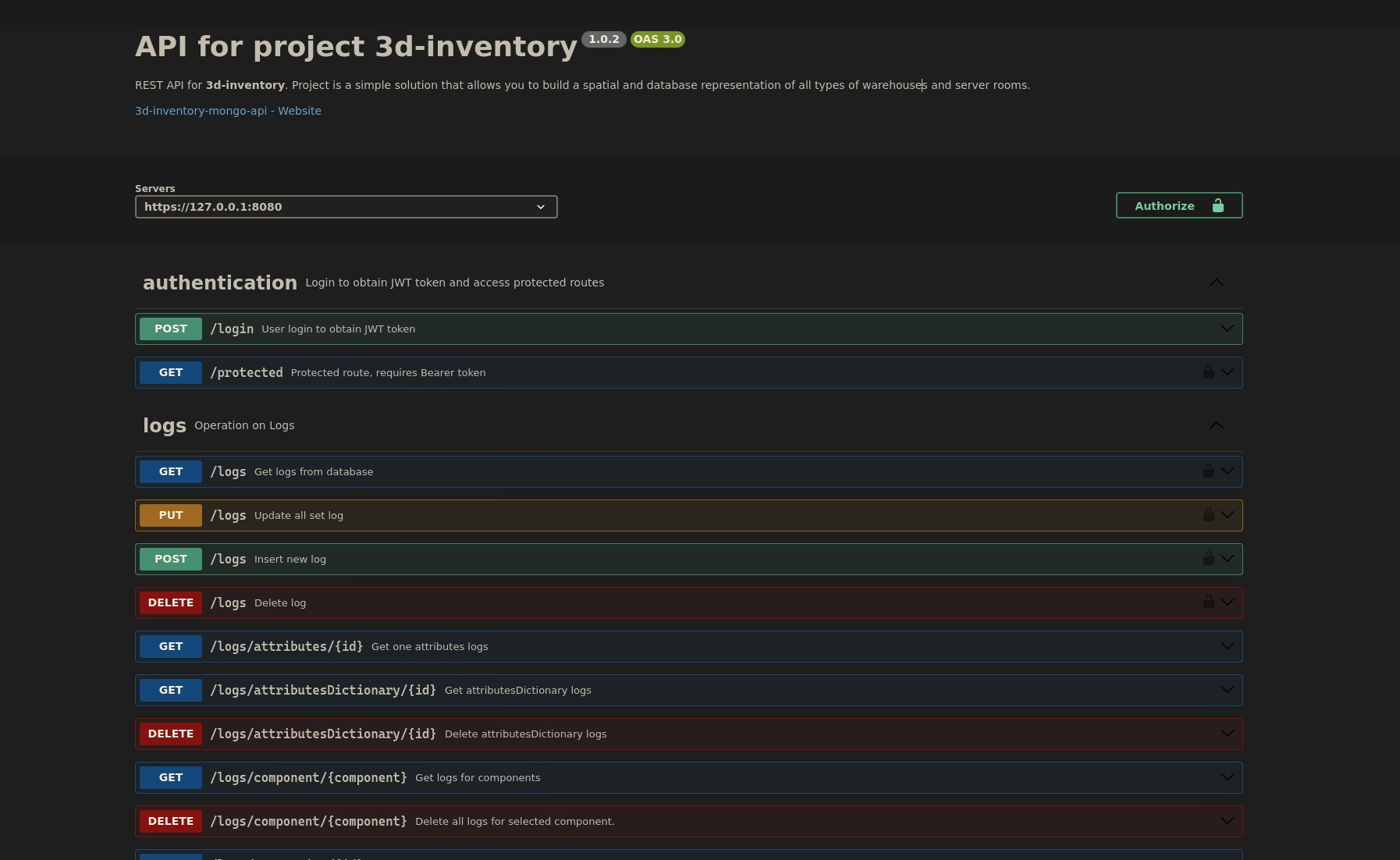
Security is enhanced through Google reCAPTCHA v3, which provides invisible, score-based bot protection without disrupting the user experience. The backend supports both MongoDB Atlas and Oracle databases, demonstrating flexibility in handling both NoSQL and relational data models. All communication happens through a well-documented REST API using Swagger/OpenAPI specifications. The entire stack is containerized using Docker, and testing is handled by Jest, ensuring comprehensive test coverage and code quality.
Angular20.3+ – Modern standalone component architectureBootstrap5.3+ – Responsive UI frameworkthree.js163+ – Interactive 3D graphics libraryGoogle reCAPTCHA v3– Bot protection and security (invisible, score-based)MongoAtlas|Oracle– I want to try different solutions and data structures, including both relational and NoSQL data models using MongoAtlas and Oracle.REST– preparedAPIdocumented and used inSwagger.Dockeras containersJest– Modern testing framework with comprehensive test coverage
Logical model
Relational data model is mapped to a NoSQL model in MongoDB.

Application
The 3D Inventory UI provides a comprehensive interface for managing inventory with spatial visualization and complete audit tracking.
Key Features
🎯
- Device Management: Create, edit, delete, and position devices on floor plans
- Model Management: Define device types, categories, and specifications
- Connection Tracking: Visualize and manage connections between devices
- Attribute System: Flexible metadata management with attribute dictionaries
🔐 User Management
Role-Based Access: Admin, User, and Viewer permission levels
- User Profiles: Personal profile management with login history
- Authentication: Secure JWT-based authentication with password requirements
- Account Security: Login attempt tracking and account protection
- Bot Protection: Google reCAPTCHA v3 integration on login (invisible, score-based)
📊 Activity Monitoring & Audit Logs
Activity Logs Dashboard (Admin): Comprehensive audit trail for all system operations
-
- Filter by component (device, model, floor, user, connection, etc.)
- Filter by operation type (create, update, delete, clone)
- Filter by date range
- Search by username or object details
- Change Tracking: Detailed before/after value tracking for all updates
- Field-level change detection (name, position, attributes, etc.)
- Visual before → after display for modified values
- Smart formatting for different data types (coordinates, arrays, objects)
- Login History:
- View login attempts with success/failure status
- IP address and timestamp tracking
- Color-coded status indicators (success/failed/error)
- Available in user profile and admin user management
- User Context: Every log entry includes who performed the action
List devices

Models

Attributes